Step-by-Step Guide to Creating a Product
Follow these steps to add a new product in the system.


After clicking “Add”, the system will display the following page:


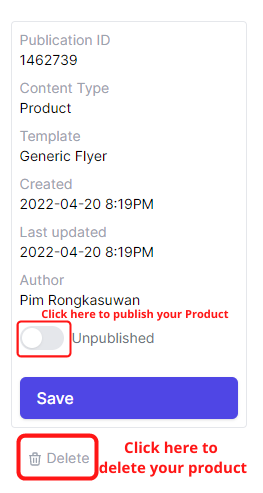
Note: The system does not autosave. Please save your work before refreshing or exiting the content editor.
CMS Help
Contact Us if you can't find what you are looking for