Have ready all the subscriber information (*required):
- Subscriber Name * (see below)
- Domain Name * (see below naming convention per brand)
- Main Contact Email *
- Address (*Region is required)
- Phone Number
- Language *
- Brand (Transat Travel/Voyages Transat, Marlin Travel, Travel Plus, Club Voyages)
- Agent Name
- Logo Color .png format, preferred size 600px width (only for custom logo agencies)
- Logo White .png format, preferred size 600px width (only for custom logo agencies)
Subscriber Name :
MT, VT, TT, CV, AFF, TP, VEL & unbranded agent@home: Use the agency name
Branded agent@home : Use the agent full name
Domain Naming convention:
Transat Travel, Voyages Transat, & Branded agent@home
Naming convention: Agency brand-agency code -first two letter of last name & first letter of first name.gttwl2.com
ie: transattravel-652geg.gttwl2.com; voyagestransat-584duk.gttwl2.com; transattravel-795kor.gttwl2.com
Club Voyages, Marlin Travel
Naming convention: Agency brand-agency code.gttwl2.com
ie: marlintravel-1536.gttwl2.com; clubvoyages-549.gttwl2.com
TravelPlus AFF, VEL
Naming convention: Agency name-agency code.gttwl2.com
ie: voyages-saintaugustin-461.gttwl2.com; progress-travelplus-1171.gttwl2.com
Unbranded agent@home
Naming convention:
Agency brand-agent code.gttwl2.com
ie: Yourlifestyle-travel-795rok.gttwl2.com
After you have all the information you are ready to start creating the new subscriber
Create a new site
From the admin dashboard select the CMS depending on the language: TDC CMS (English) or SGC TDC FR (French)

The following page is the Team/CMS admin. The third/yellow column is the site/subscriber's list, find the button to "Create new site":

After you click, you will redirect to a page to start creating a new subscriber. Please fill out the form with the Agency information you already have.
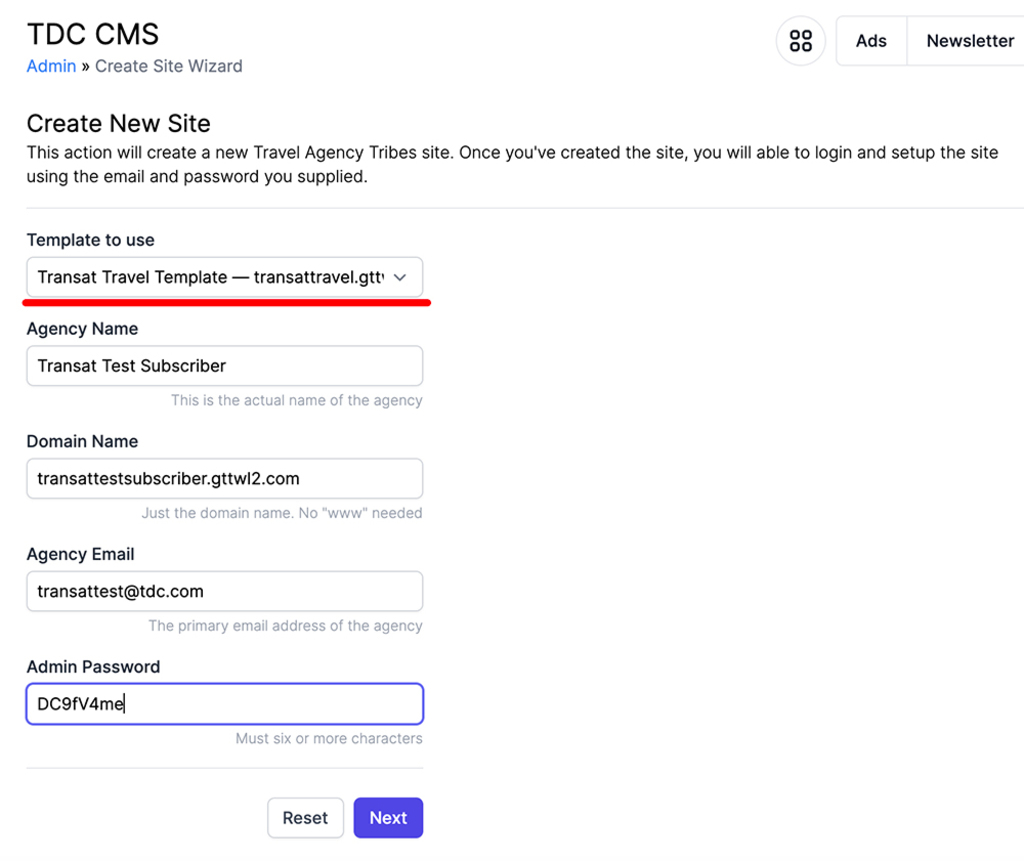
The first field is very important, you must select the template, be sure to select the correct one:
- English Team TDC CMS: “Transat Travel Template - transattravel.gttwl2.com”
- French Team SGC TDC FR: "Voyages Transat Template - transattravelfr.gttwl2.com"
After you select the template add the domain name and must finish on “.gttwl2.com”.
For the Admin Password, there is no requirement, we suggest using a password generator like https://passwordsgenerator.net/.
After all the fields are filled click on the “Next” button.
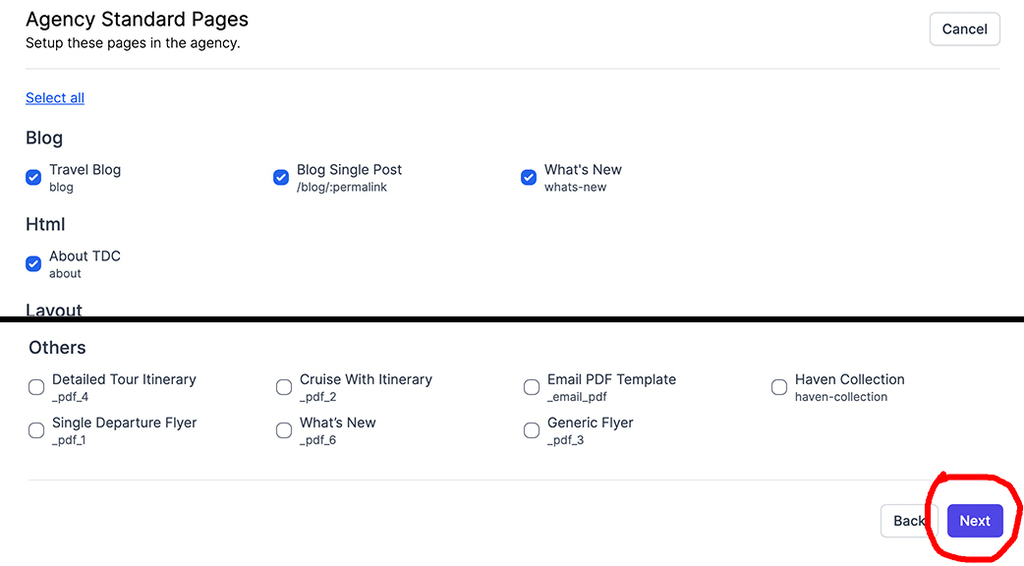
The next page is about the “Template pages”, please keep the selected pages by default (as it is) and click on the "Next" button for the last step.
The last page is about “Landing Pages”, please be sure to select all of them and click on “Save”.
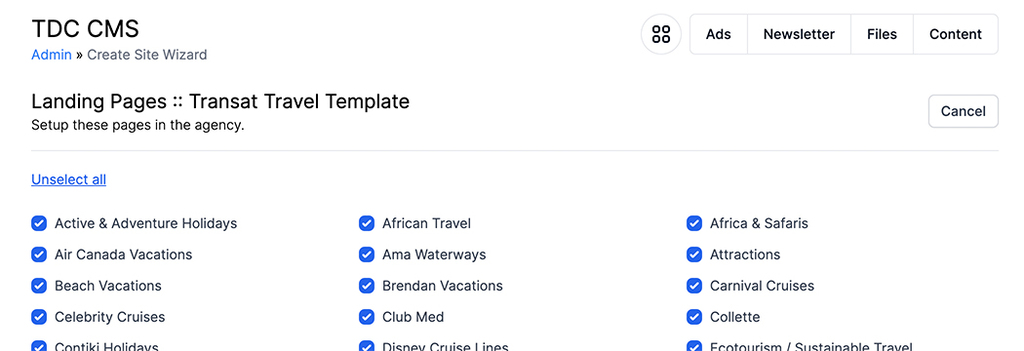
Congratulations you just created the new subscriber.
Is very important to verify if the front-end is working properly. From the dashboard page (if you are not there, click on the very right-top red icon) search for the new subscriber name ex: “Howard Travel” and select the name under the “Agencies” column, not the users.

After you click, the next page is the new subscriber admin dashboard, to check the front end, just click on the very top menu “globe” icon and the new subscriber webpage will open.

It should look very similar to the templates English: https://transattravel.gttwl2.com/ or French: https://transattravelfr.gttwl2.com/. To access, please always use your admin credentials, in that way you will be able to see all the options for super admins.
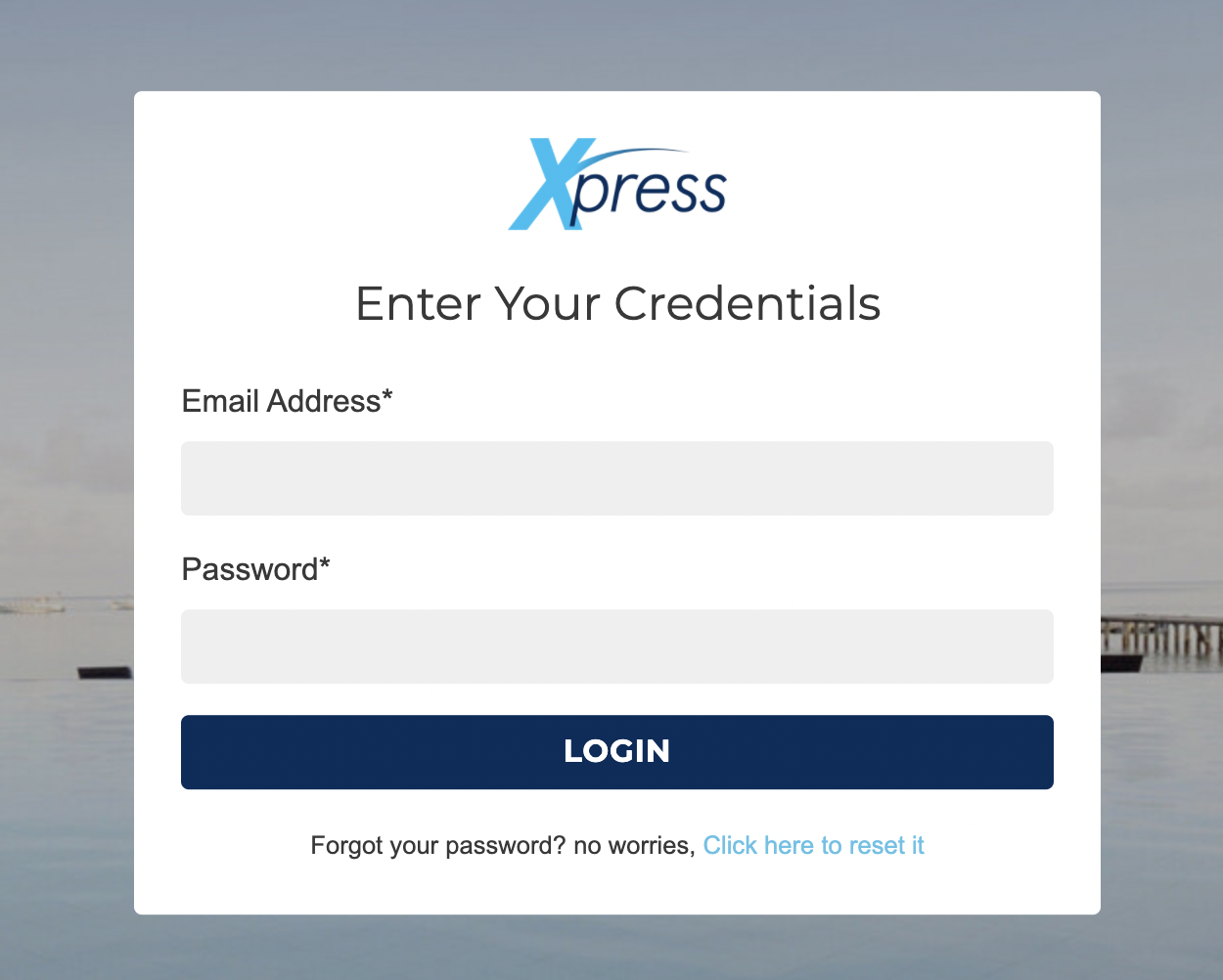
After you check everything is working, let's update the subscriber information.
CMS Help
Contact Us if you can't find what you are looking for